- From 2.5 credits a second
- 6 video models
- On Starter, Pro and Studio
AI product video generator
Pick a picture of your product, a camera move and a model, and get a short clip for ads, social posts and listings. The price is on the button before you start.
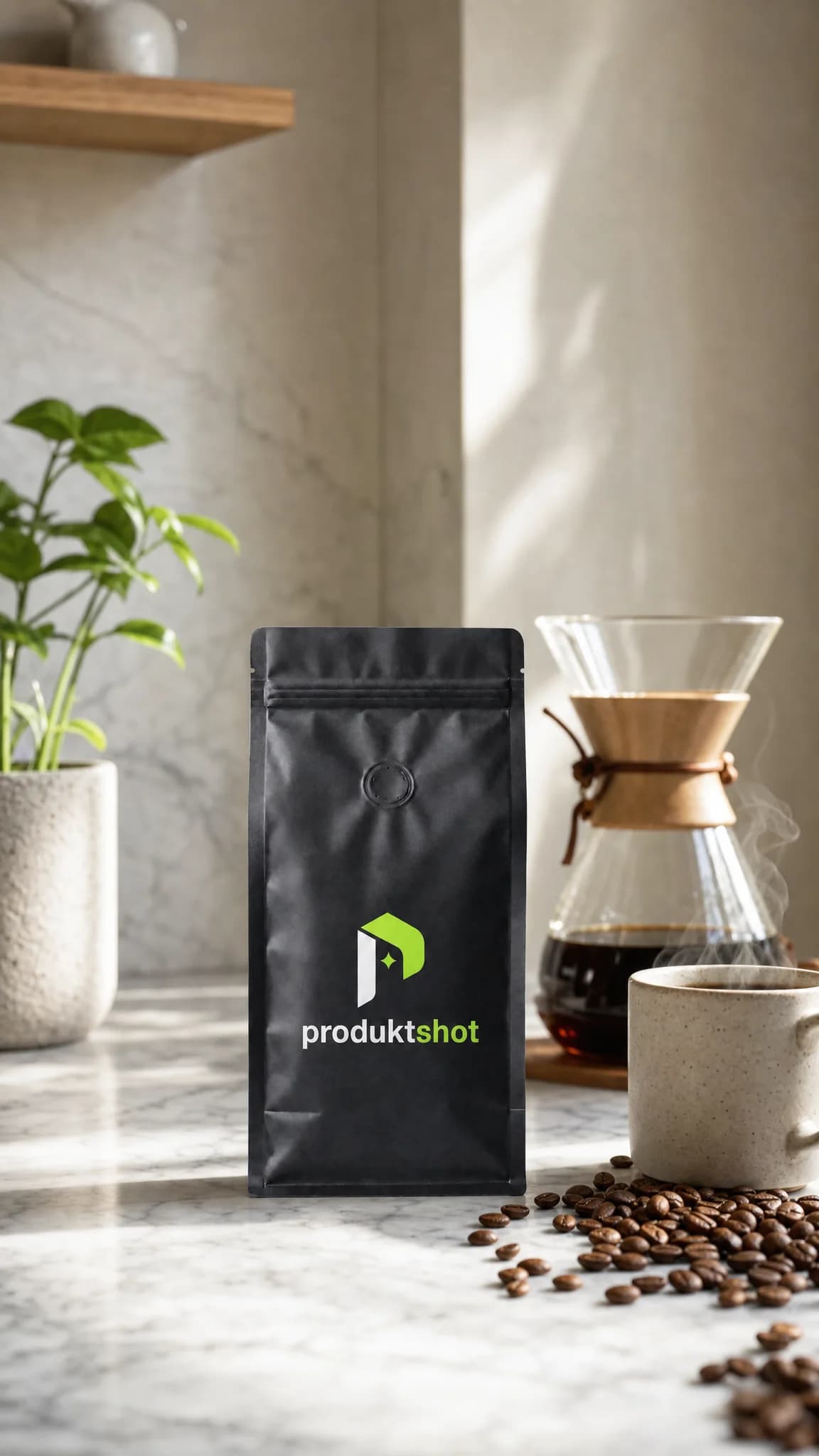
Make a product video
Clips are made in the app from your own pictures, on Starter, Pro and Studio. Sign up, add a product photo, then pick a camera move and a model.
Make a videoQuick answer
What does an AI product video generator do?
It turns one still picture of your product into a short clip: the camera pushes in, circles the product or sweeps light across it, and the product stays as it is. ProduktShot starts each clip from your product photo or from a picture you made with it, and asks the model to keep the product's shape, colours, label and logo.
The video models
| Model | Length | Shape | Quality | Sound | Price a second |
|---|---|---|---|---|---|
| Wan 3.0 | 4–15 s | From the picture, 1:1, 3:4, 4:3, 9:16, 16:9 | 720p, 1080p | On or off, same price | 720p: 3.5 credits · 1080p: 7 credits |
| MiniMax H3 | 5–15 s | From the picture | 720p | Always on | 2.5 credits |
| Gemini Omni Flash | 4–10 s | 9:16, 16:9 | 720p, 1080p | Always on | 720p: 3.5 credits · 1080p: 5.5 credits |
| Kling 3.0 Pro | 4–15 s | From the picture | Set by the model | On or off, dearer with sound | Silent: 4 credits · With sound: 6 credits |
| Veo 3.1 Fast | 4, 6 or 8 s | From the picture, 9:16, 16:9 | 720p, 1080p | On or off, dearer with sound | Silent: 3.5 credits · With sound: 5.5 credits |
| Grok Imagine Video 1.5 | 4–15 s | From the picture | 720p, 1080p | Always on | 720p: 5 credits · 1080p: 9 credits |
From the price list that charges each clip. A clip is priced as a whole: never more than its length in seconds times the price of one second, often a little less.
Plans with product videos
| Plan | Product videos | Credits each month |
|---|---|---|
| Free | Not included | None |
| Mini | Not included | 60 credits |
| Starter | Included | 250 credits |
| Pro | Included | 750 credits |
| Studio | Included | 2,000 credits |
How it works
Pick a start picture
Start from a product's photo or from any picture you made: every picture result has “Make a video from this”. A studio shot makes a better clip than a phone photo.
Pick a camera move and a model
Choose one of 12 camera moves, or describe your own. Then set the model, the length, the shape, the quality and the sound.
Make the video
The price is on the button before you start. The clip lands in your Library, and a clip that fails gives its credits back.
12 camera moves
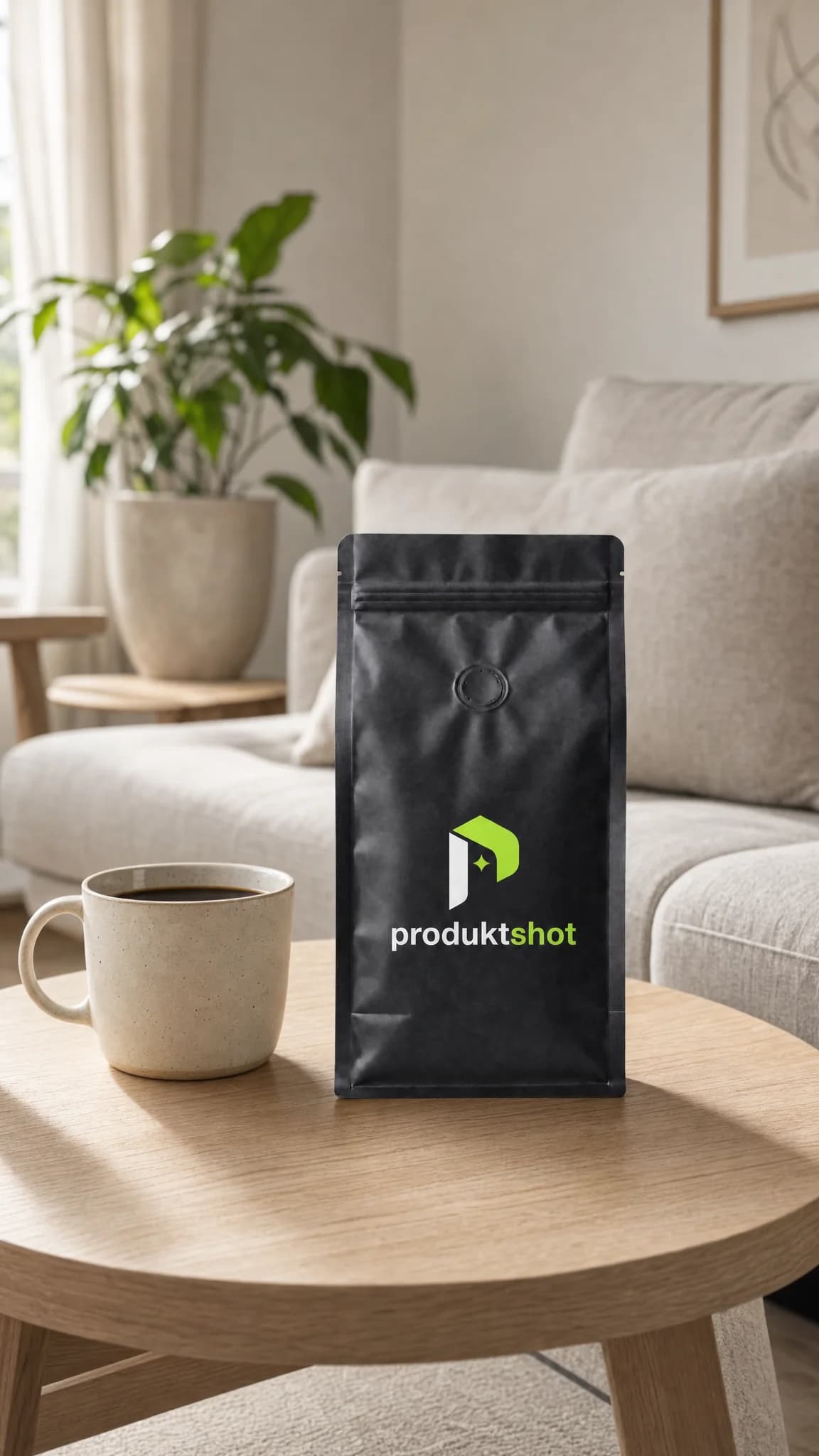
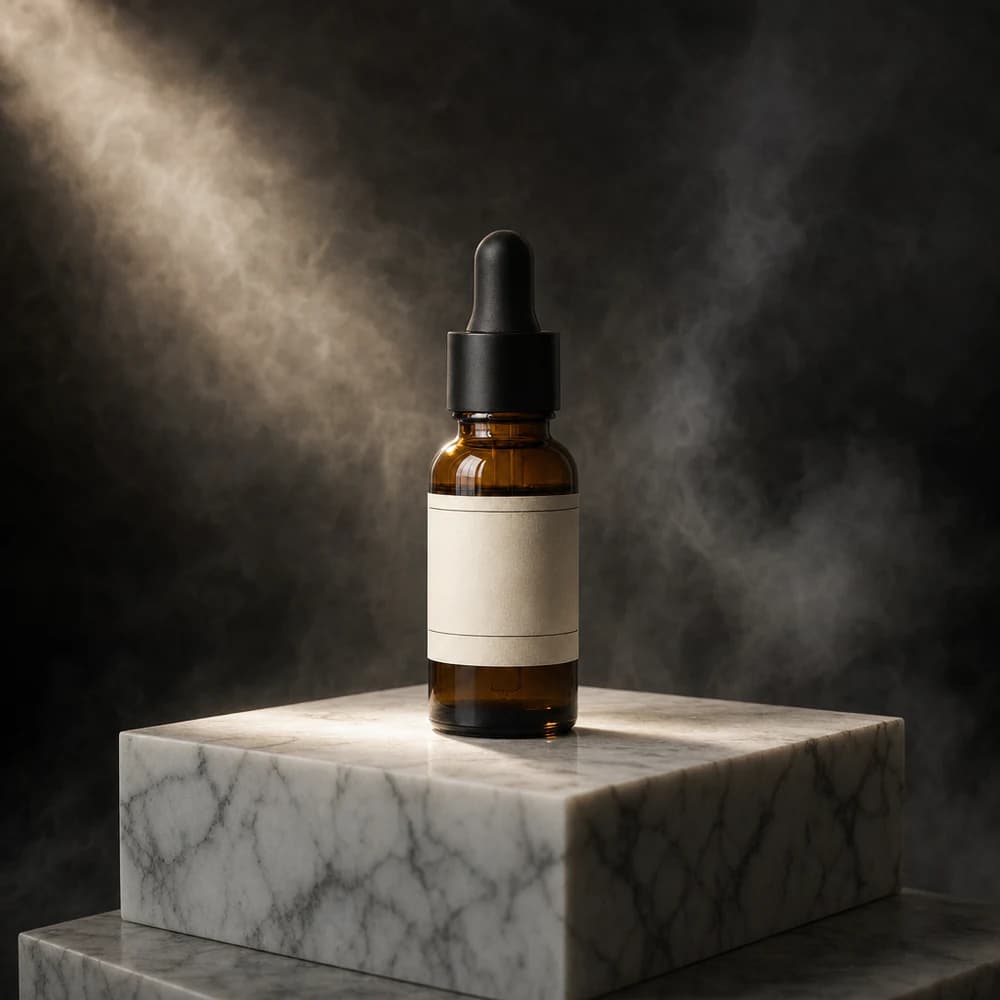
One named move per clip, in three groups. Each tile plays the move in your browser on a picture made in Photo mode, as the app previews it on your own picture. The clip itself comes from the model you pick.
Studio
Push-inThe camera glides slowly toward the product.Best at 5 s
OrbitThe camera circles halfway around it.Best at 6 s
TurntableThe product turns once, like a studio spin.Best at 8 s
LevitateIt lifts off and floats in soft light.Best at 5 s
Side slideThe camera slides past with gentle parallax.Best at 5 s


Reveal
Light sweepA beam of light sweeps across and reveals it.Best at 5 s
Pull-back revealFrom a close detail back to the whole product.Best at 6 s
Macro detailA slow close look at the material and texture.Best at 5 s
Drop-inIt drops into frame and settles with a small bounce.Best at 4 s
SplashWater splashes around it in slow motion.Best at 5 s
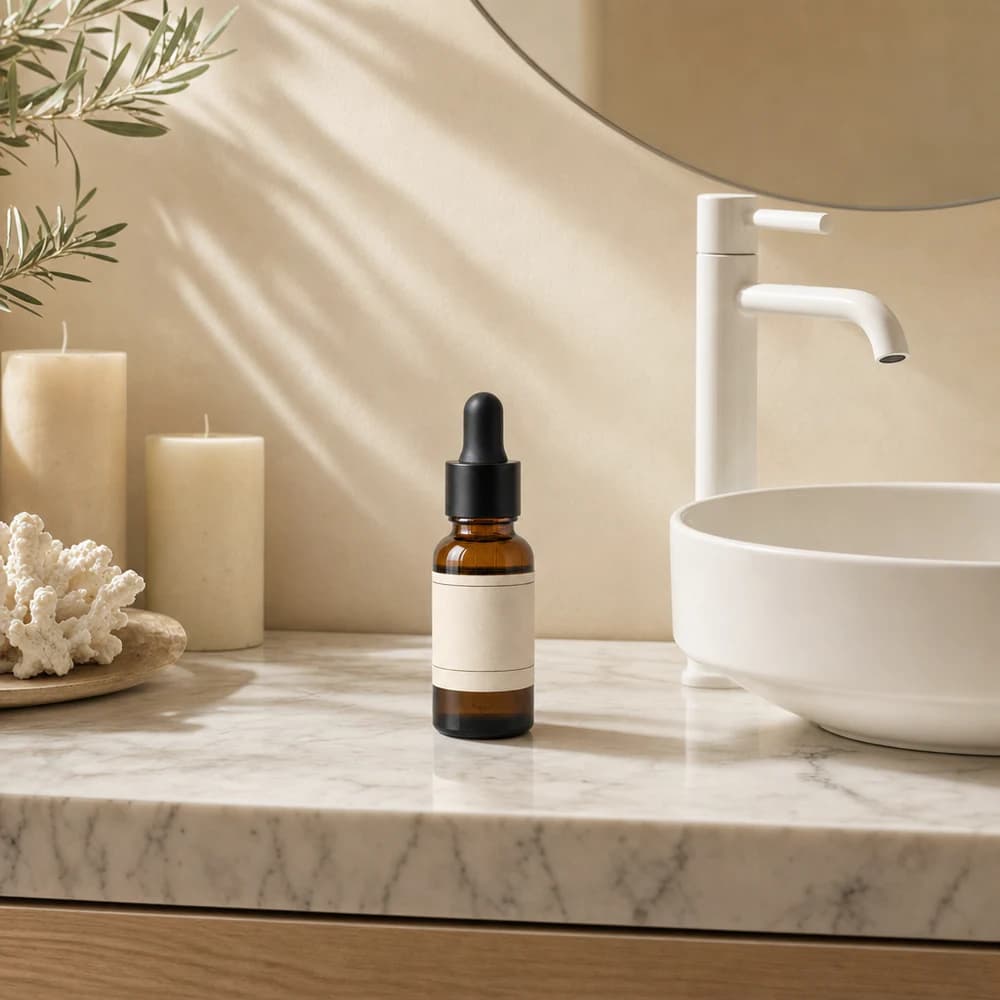


In use
Hand picks it upA hand lifts it toward the camera.Best at 6 s
Living sceneThe product stays still, the scene moves gently.Best at 6 s
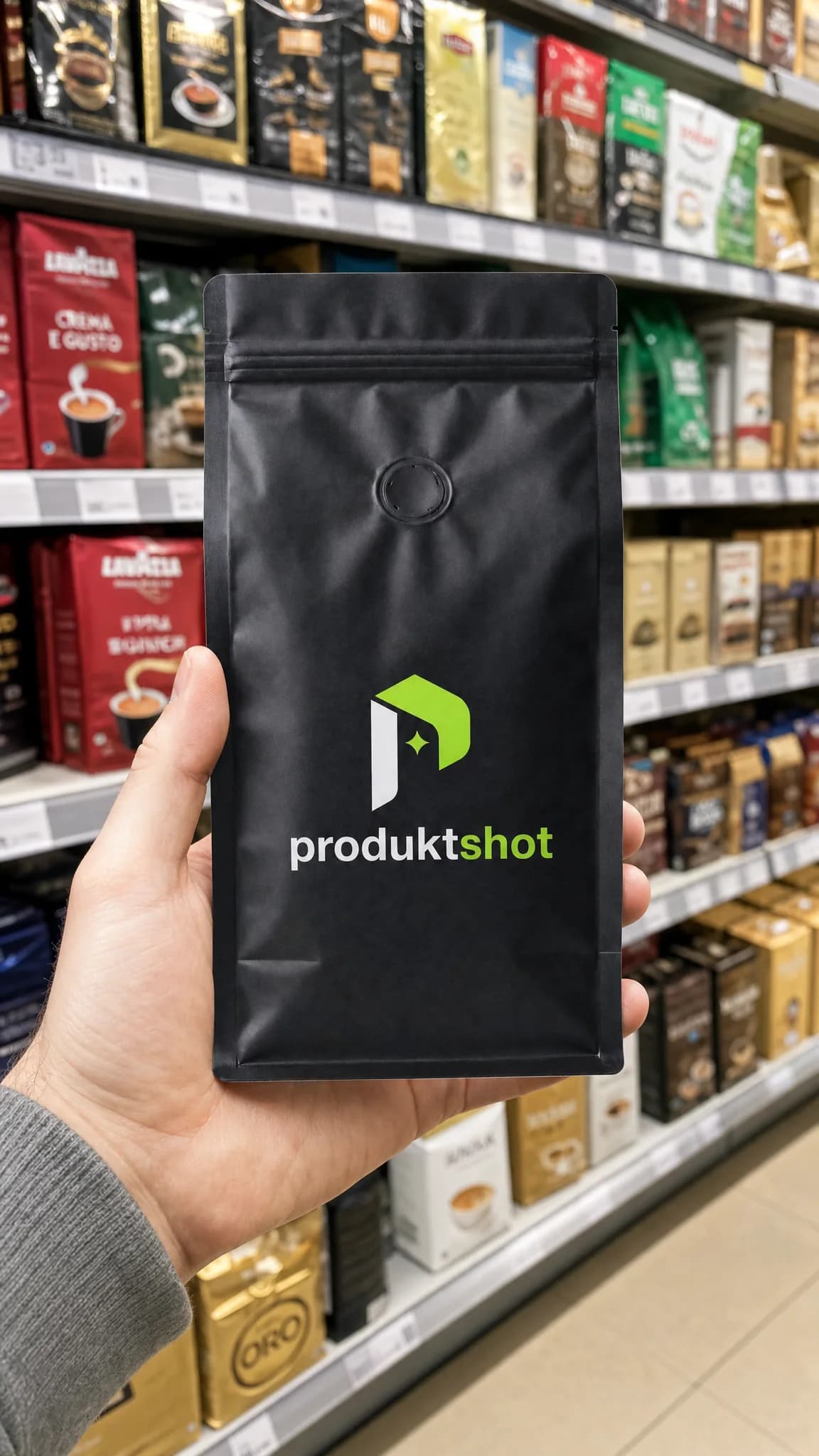
Questions
You choose between Wan 3.0, MiniMax H3, Gemini Omni Flash, Kling 3.0 Pro, Veo 3.1 Fast and Grok Imagine Video 1.5. Wan 3.0 is the default.
For the lowest price a second, MiniMax H3. For a square or 4:3 clip, Wan 3.0. For 1080p at the price of 720p, Veo 3.1 Fast. Every model's lengths, shapes and prices are in the table above.
From 2.5 credits a second, by model and quality; the table above lists every price. A clip is priced as a whole, so it never costs more than its length in seconds times the price of one second. The Make video button shows the exact price before you start, and a clip that fails gives its credits back.
Starter, Pro and Studio. The free plan has no video. Clips are paid with credits, from your plan or from a credit pack.
From 4 to 15 seconds. The Length setting offers 4, 5, 6, 8, 10, 12 and 15 seconds, as far as the model goes; the table above shows each model's lengths.
Depending on the model, 1:1, 3:4, 4:3, 9:16 and 16:9 or the shape of the start picture, at 720p or 1080p. With MiniMax H3, Kling 3.0 Pro and Grok Imagine Video 1.5, the clip takes the shape of the start picture: for a 9:16 clip, start from a 9:16 picture.
With MiniMax H3, Gemini Omni Flash and Grok Imagine Video 1.5, every clip has sound. With Wan 3.0, you turn it on or off at the same price; with Kling 3.0 Pro and Veo 3.1 Fast, a clip with sound costs more. We ask for quiet sound effects that fit the motion, with no speech or singing.
Yes. Every picture result has “Make a video from this”, which opens the Video tool with that picture as the start. You can also start from the photo of any of your products.
The model is asked to keep the product from the start picture as it is: its shape, colours, materials, logo and label text, in one continuous shot. A video model can still change small details such as small print, so watch each clip before you publish it.
Stop juggling tools. Start with one photo.
Set up your brand and your first product, and see the price of every image before you make it. You get 7 credits when you confirm your email.
- No card needed
- Cancel any time
- Price on every button