- From 2 credits an image
- Up to 4K
- Free to try
AI product photo generator
Upload a photo of your product, describe the scene, and get studio and lifestyle shots for your shop. The price is on the button before you generate.
Add a product photo
Quick answer
What does an AI product photo generator do?
It puts your real product into a new scene, such as a studio, a kitchen or a shop shelf. ProduktShot starts from your own product photo and asks the model to keep the product as it is: shape, colour, label and logo.
How it works
Add your product photo
Upload a PNG, JPEG or WebP photo of the product.
Describe the scene
Say where the product should be, or pick an idea. Choose the model, the ratio, the size and how many images.
Generate and compare
The price is on the Generate button. Compare each result with your photo before you use it.
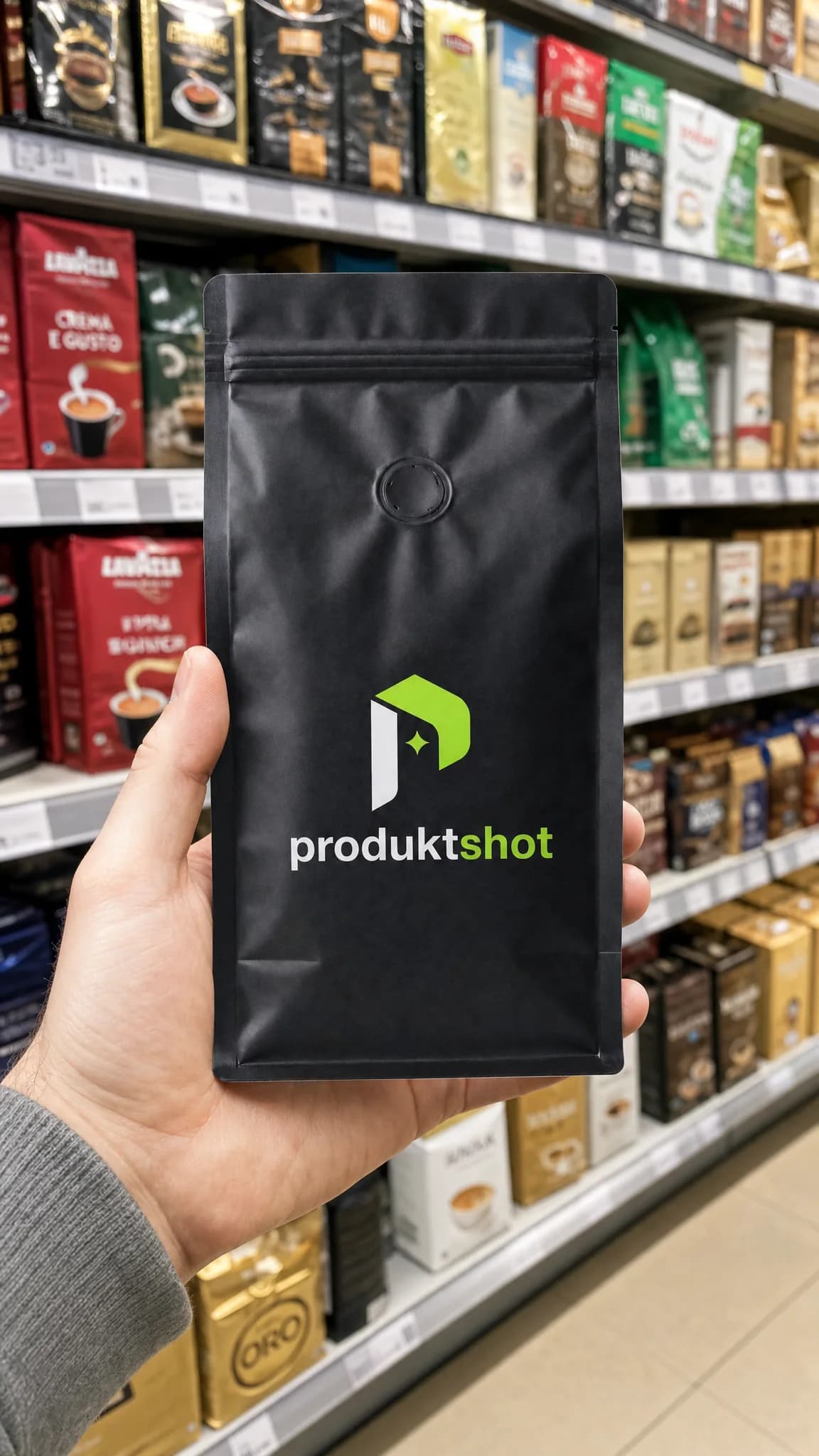
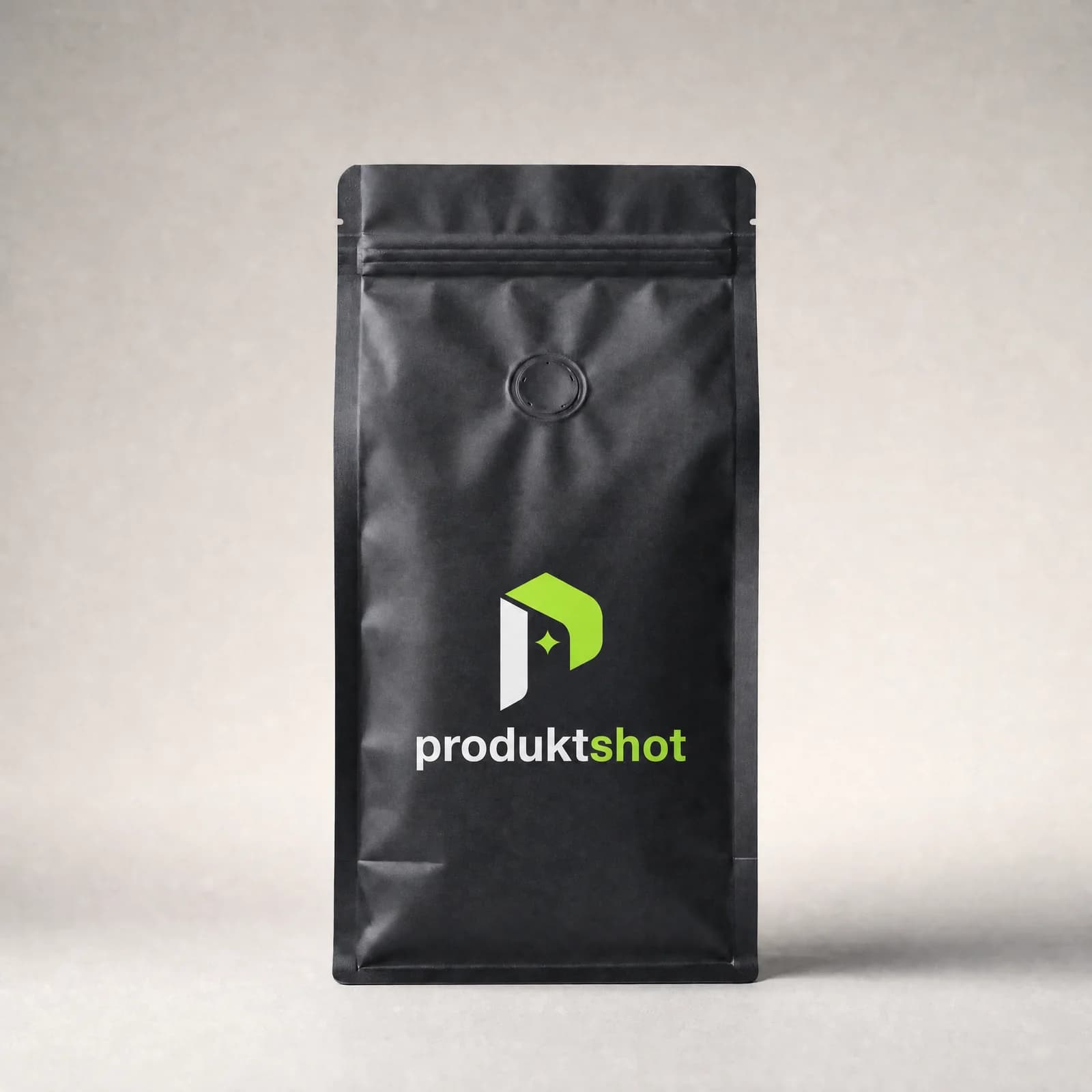
Before and after
The product photo on the left, the result on the right. Drag the divider, or focus it and use the arrow keys.
Same product, new scenes
One demo product in six scenes from the ProduktShot scene library. Pick the same scenes in the composer.
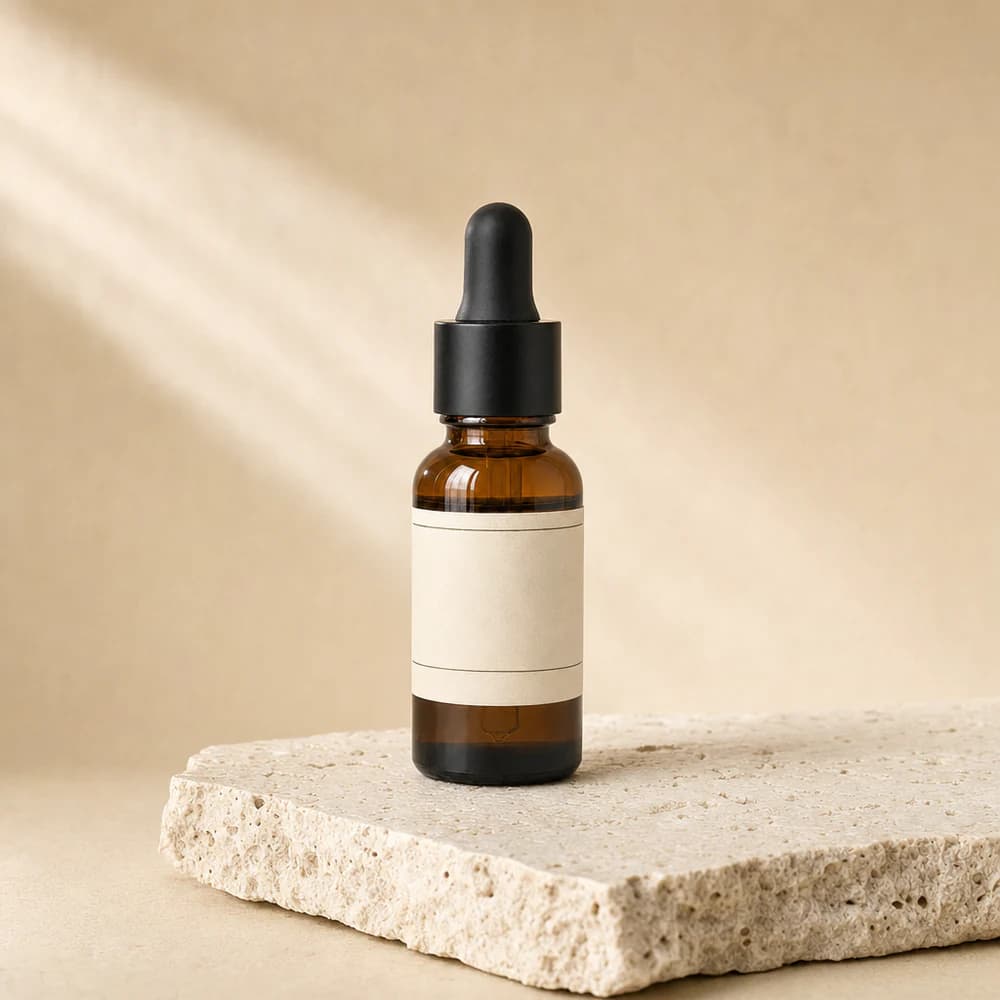
Travertine Slab 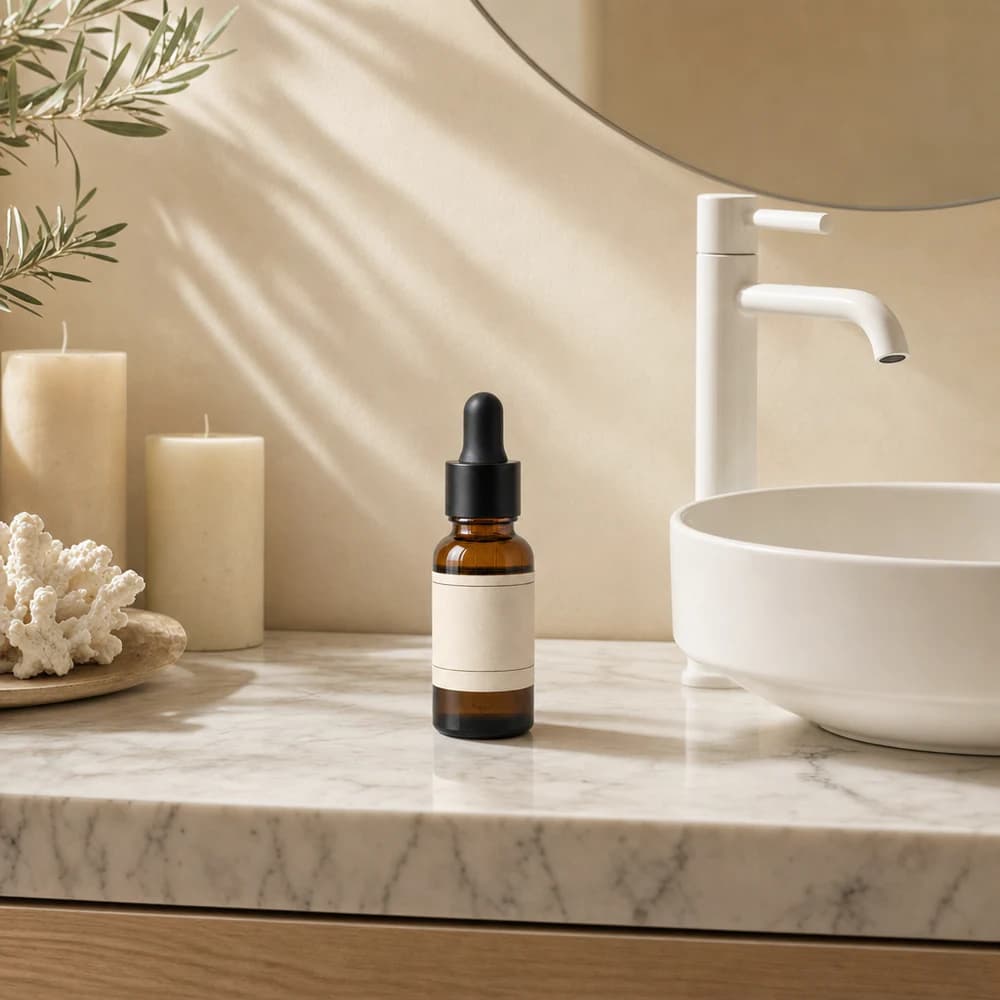
Cream Vanity 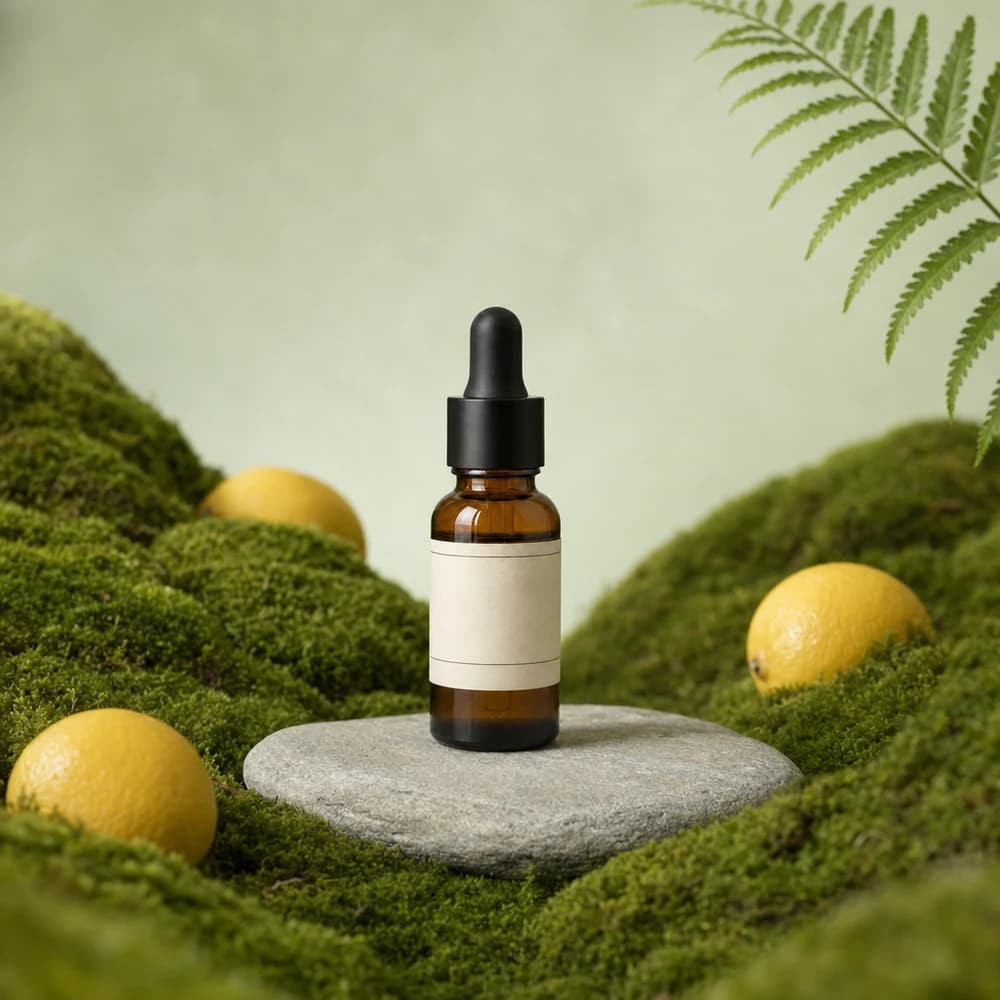
Moss and Lemons 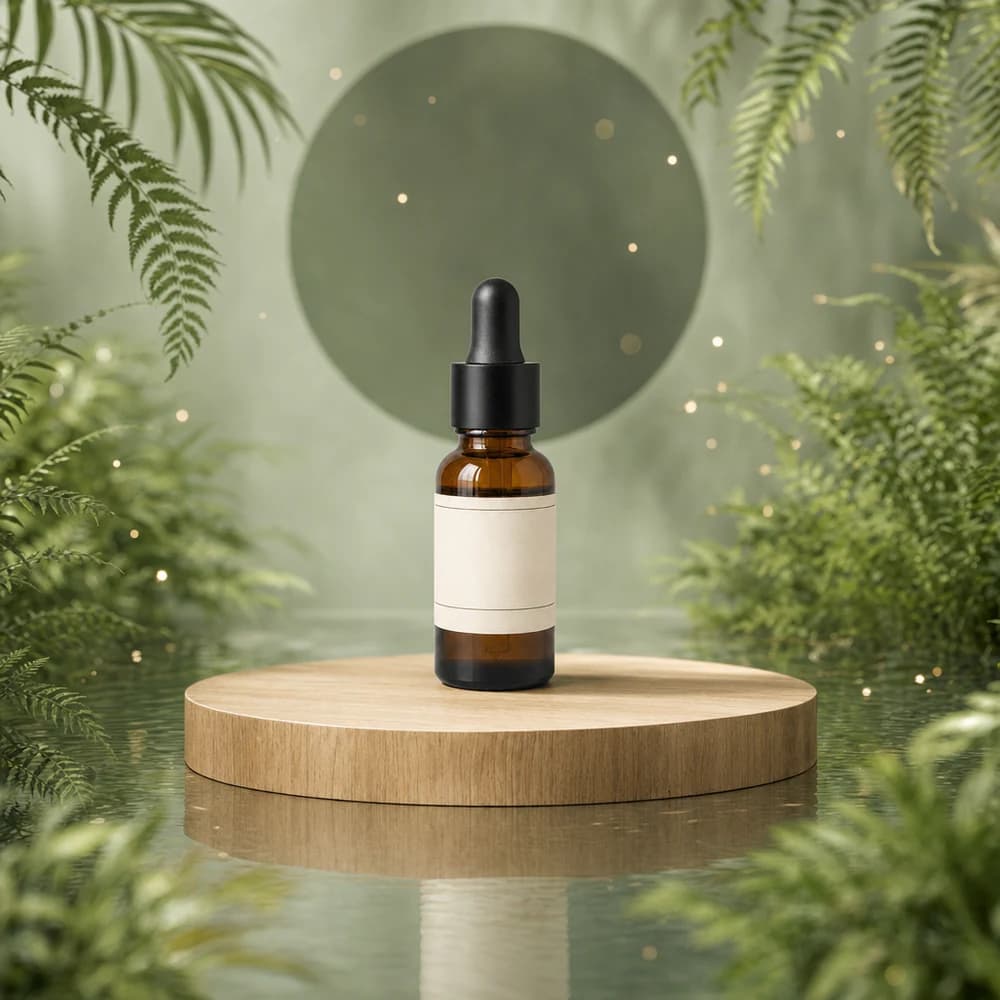
Sage Water 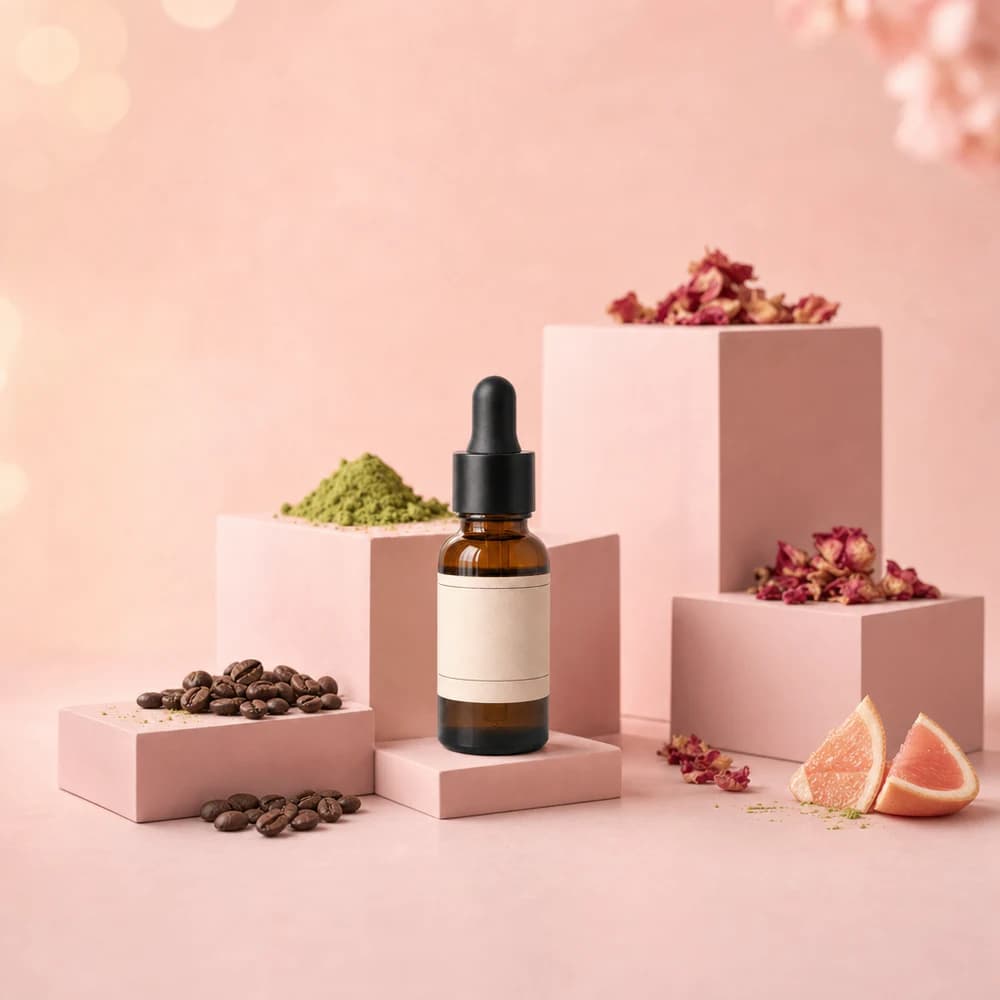
Pink Risers 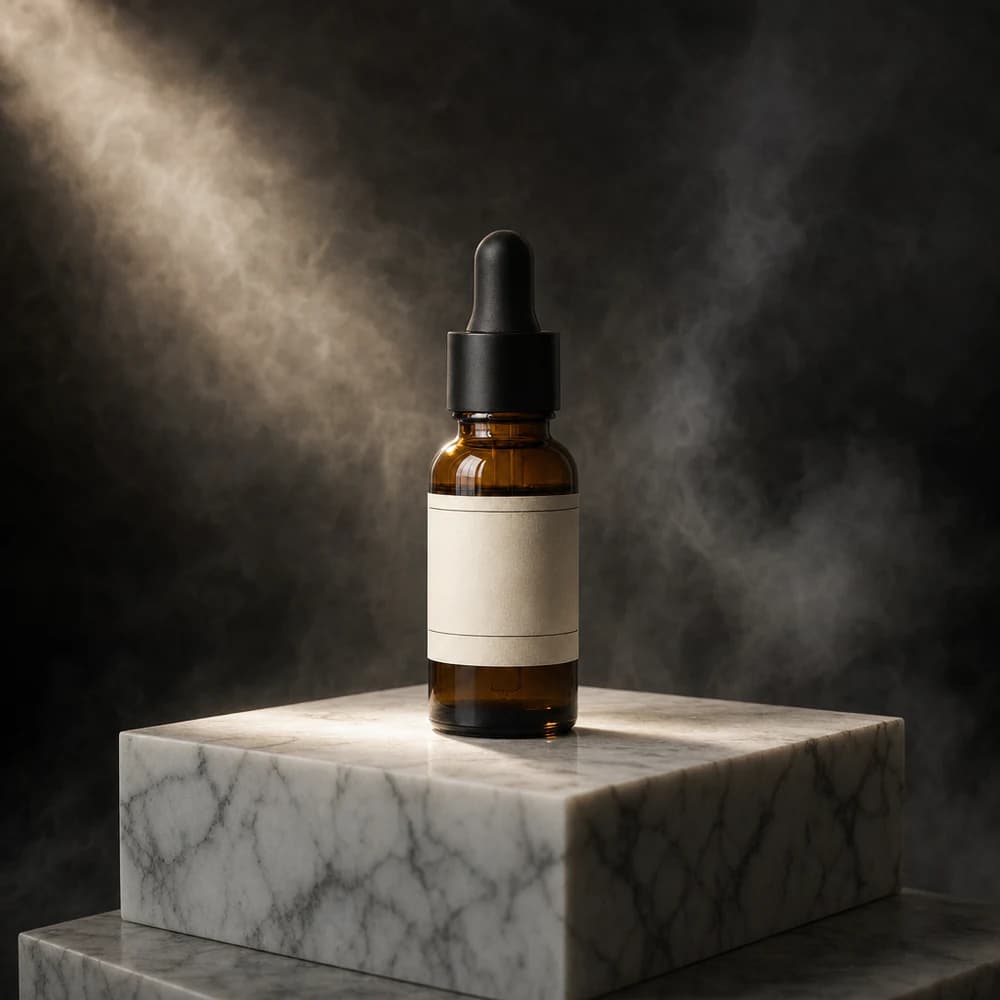
Marble Block
Questions
You choose between Nano Banana Pro, Nano Banana 2, GPT Image 2.5, Seedream 5 Pro and ProduktShot Lite. Nano Banana Pro is the default.
From 2 credits an image. With Nano Banana Pro an image costs 3 credits at 1K and 6 credits at 4K. The Generate button shows the exact price for your settings.
The ratio is Auto, which follows your photo, or one of 1:1, 4:5, 3:4, 2:3, 9:16 and 16:9. The size is 1K, 2K and 4K; your plan sets the largest: 1K on the free plan, 2K on Starter, 2K on Pro, 4K on Studio.
Yes. One click makes up to 4 images, and each image is charged.
Yes. The Scene setting holds 103 ready-made scenes, from a clean studio to a kitchen or a shop shelf. Pick several and each one comes back as its own image, or describe your own scene instead.
The model is asked to keep the product as it is: shape, colour, label and logo. AI can still change small details, such as small print, so compare each result with your photo before you publish it.
Stop juggling tools. Start with one photo.
Set up your brand and your first product, and see the price of every image before you make it. You get 7 credits when you confirm your email.
- No card needed
- Cancel any time
- Price on every button