Product photography
eBay picture size: the rules, the file limits and a workflow for sharp listing photos
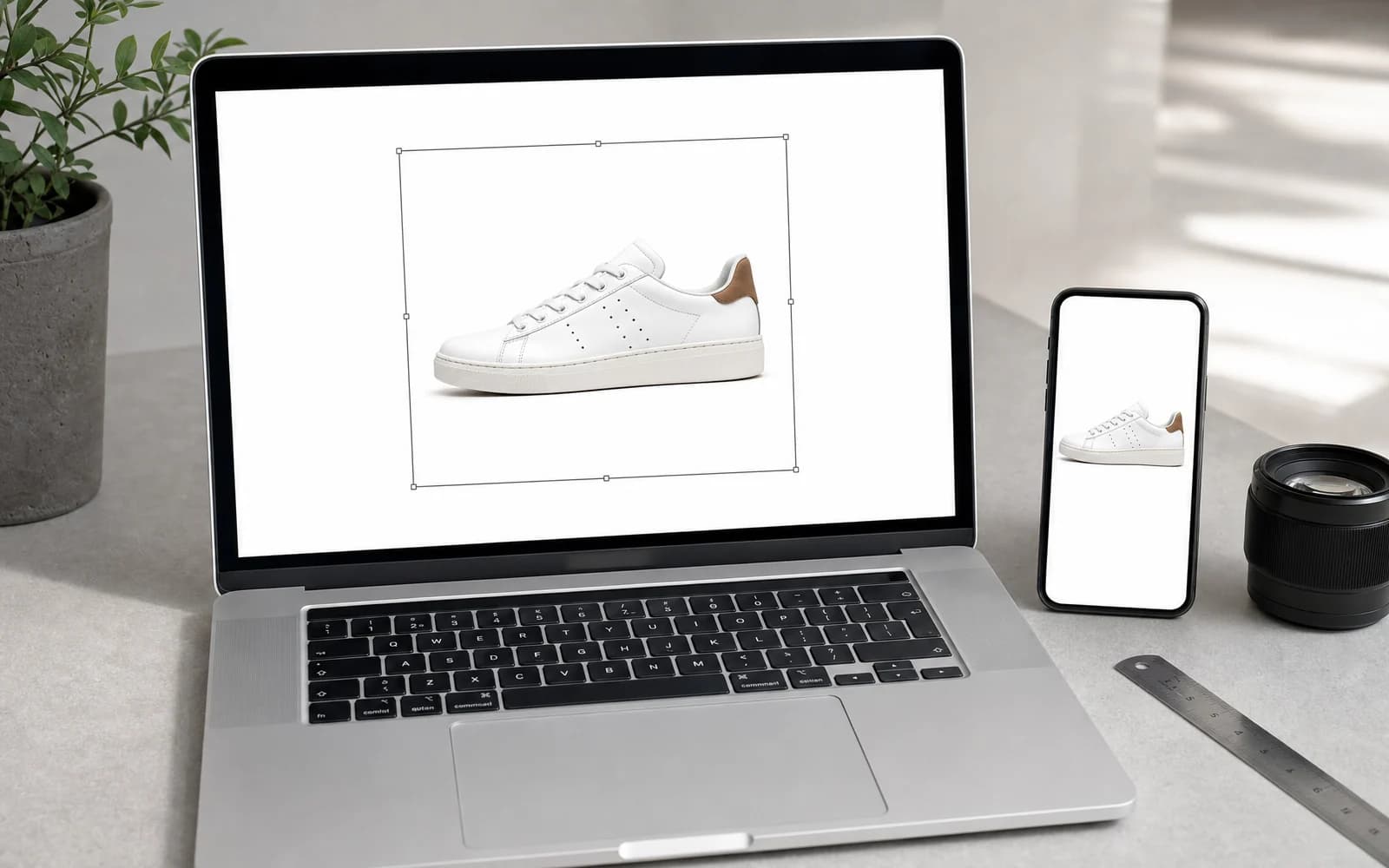
In short
eBay needs at least 500 pixels on a photo's longest side and recommends 1,600 pixels so zoom stays sharp. Its help pages allow photos up to 12 MB, while its export seller site gives 7 MB per upload, so staying under 7 MB is safe everywhere. Build one square master at 1,600 × 1,600 pixels, then export a delivery copy inside those limits.
Core eBay picture size requirements
You've uploaded a product photo that looks sharp on your monitor, only to find the listing rejected, the thumbnail awkwardly cropped, or the enlarged view looking soft. That usually isn't one problem. eBay picture size involves the visible canvas, the file's weight, and less obvious checks that can stop an image before buyers ever see it.
Start with the distinction sellers most often miss. eBay requires a minimum of 500 pixels on the longest side, and its seller help recommends 1,600 pixels for stronger display and zoom (its export seller site gives a range of 800 to 1,600 pixels). eBay warns that small photos get blurry or pixelated when they're enlarged.
A 500-pixel image may pass the basic check while still producing a weak buying experience. Buyers enlarge photos to inspect labels, materials, finish and wear. If the source has already thrown away those pixels, no upload setting can restore them.
Build the master before the upload copy
For most catalogue work, use a square master at 1,600 × 1,600 pixels or larger. That meets eBay's recommendation and gives zoom and thumbnail crops enough room. Keep the product inside the canvas rather than letting it touch the edges.
Practical rule: treat 500 pixels as the floor, not the target. Prepare the listing from a 1,600 × 1,600-pixel square master, then optimise the delivery file.
Before publishing, open the exported image at full size and check fine edges, text on the product, reflective surfaces and visible defects. A file can meet the pixel requirement and still look poor because the original was out of focus, heavily cropped or compressed again and again. The eBay image requirements page keeps the current rules in one place.
Technical file limits and upload checks
A high-resolution image can fail for reasons that have nothing to do with how it looks. eBay's help pages allow photos up to 12 MB, but its export seller site gives 7 MB per upload. Two pages from the same company disagree, so plan for the stricter one: keep every delivery file under 7 MB.
Very large canvases cause trouble too. A camera or generator export many thousands of pixels wide adds weight without adding anything a buyer can see at eBay's display sizes, and it makes the file-size limit easier to break.
Configure exports around the limits
- Check the canvas. A 1,600 to 2,000-pixel square is plenty for eBay; don't upload the full-resolution original.
- Check the file weight. Stay comfortably below 7 MB.
- Review the result. Compression should reduce weight without blocky edges, halos around the product or muddy textures.
- Test the real upload path. eBay's uploader, the API and third-party listing tools may report errors differently.
A file can be excellent for editing and still be unsuitable for upload. Keep the larger master in your library, then create a controlled marketplace export. That keeps detail for future channels and stops oversized files from entering a batch.
An image pipeline should fail before eBay does. Put dimension and file-size checks into the export step, not the publishing step. For bulk work, log each output's dimensions and file size next to its SKU, so a failure points straight at the source, the canvas or the export.
Aspect ratios and one master for every channel
Wide, tall and square images all have uses, but they don't create the same work. A wide photo can suit furniture, a vertical frame tall apparel or accessories. The trouble starts when each marketplace makes its own crop from an image that wasn't designed for it.
A 1:1 square master is usually the most efficient starting point for a shared marketplace library. It gives the product consistent breathing room and lowers the chance that an automatic thumbnail crop cuts off a handle, a bottle cap or another important edge. You can still make channel-specific versions for products whose shape needs another composition.
Compare the options
| Aspect ratio | In eBay's search grid | Across channels |
|---|---|---|
| 1:1 square | Predictable fit in compact grids, simple centring | Strong base for marketplace thumbnails, shops and social posts |
| Landscape | Can leave unused space in a square tile or shrink the product | Useful for wide products, but often needs other crops |
| Portrait | Can lose top or bottom detail in a compact tile | Suits tall products, but needs careful safe-area framing |
The master should hold the whole product, not just fill the frame. Leave padding around irregular shapes and keep labels and key features away from the edges, so the image survives when another channel trims the canvas.
A listing image set generator helps with a set-based process, but the principle matters more than the software: store one approved square source, define the safe area once, and make channel copies from that source instead of cropping already-cropped files.
File formats and colour
Pixel dimensions solve only part of the problem. The format, compression and colour profile decide whether the image arrives clean, consistent and light.
JPEG is the practical default for product photos. It is usually much smaller than a lossless format, which helps upload speed and storage. Use a quality setting that keeps edges, soft shadows, fabric texture and glossy highlights. If compression makes visible squares in a flat background or halos around the product, it has gone too far.
PNG makes sense when transparency or crisp, simple graphics matter. It is useful for cut-outs and some supporting images, but a photographic PNG is often needlessly heavy. Choose the format by what the image contains, not by habit.
Use a fixed export checklist
- Convert to sRGB, the safest colour space for browsers and phones. A file in a wider or print colour space can look oversaturated or washed out elsewhere.
- Flatten layers. A marketplace needs the finished image, not an editable design file.
- Remove needless metadata. Keep what your catalogue needs and strip editing history.
- Inspect at full size. Check small lettering, product outlines, transparent edges and plain backgrounds before compressing.
- Validate the file. Confirm it is a supported format, inside the dimension limit and under the file-size limit.
Colour matters most for branded packaging and distinctive finishes. Compare the export in a normal browser and on a phone, not only on a calibrated monitor. A valid image can still cost trust if the product's colour looks different from the real item.
Thumbnail cropping and mobile display
Your master is not what buyers see first. eBay makes smaller versions for search and navigation, and a phone screen gives the product very little room to show its shape, scale and condition.
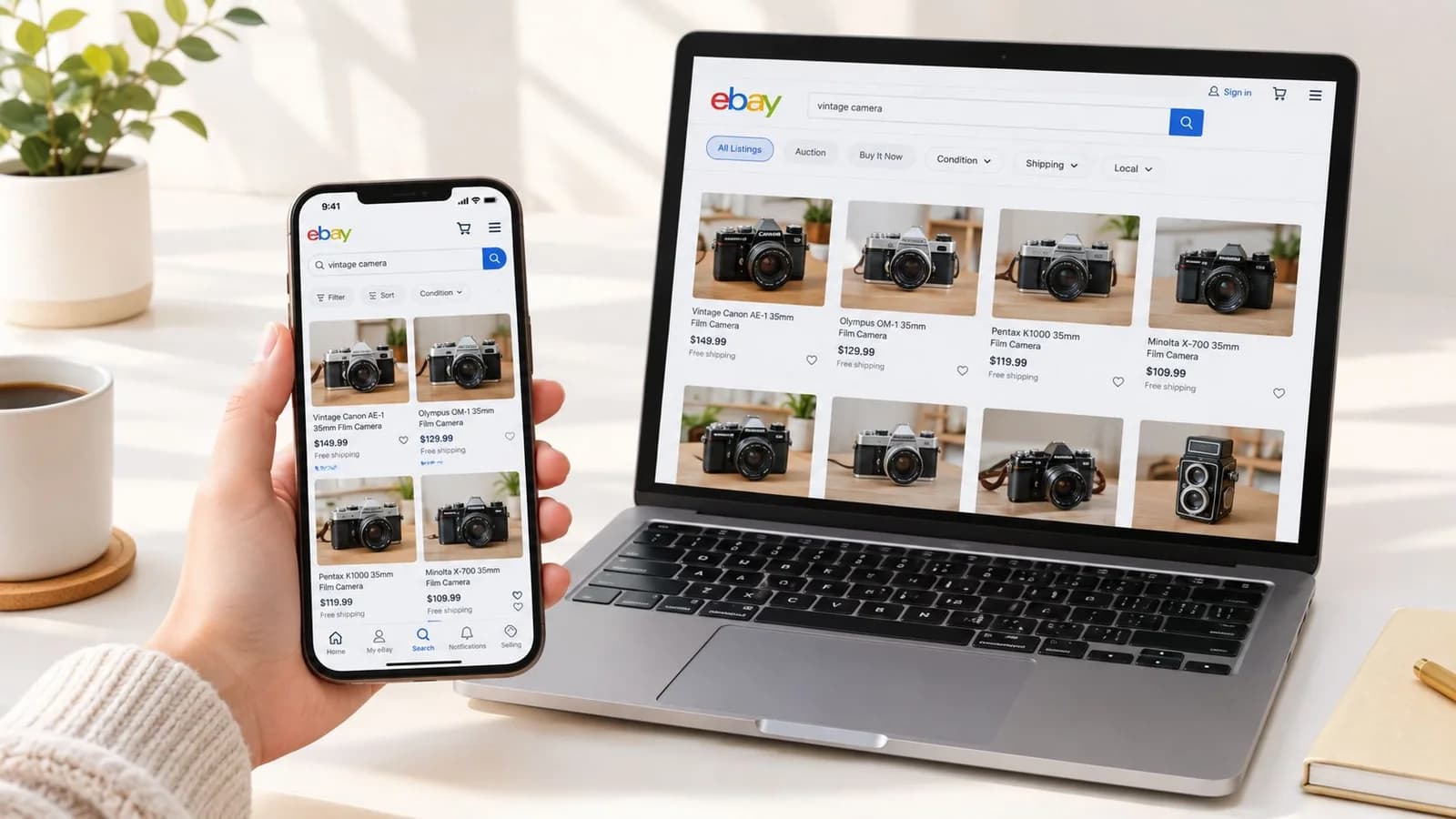
The safest framing is to treat the square canvas as a safe area, not permission to fill every corner. Centre the product, leave room around parts that stick out, and keep the most important feature away from the border. A centred product survives different tile shapes better than one placed for a single desktop layout.
Run a crop test before publishing
Make a small preview in the shape of your listing grid, then ask:
- Can a buyer recognise the product at once?
- Are the top, bottom and side edges intact?
- Does the product look substantial rather than lost in empty space?
- Is the first image clear without tiny text or decoration?
- Does it still look balanced on a narrow phone screen?
Don't fix a weak thumbnail by adding text, logos or badges to the main image: eBay doesn't allow added text, artwork, marketing material or watermarks on photos. Improve recognition with light, contrast, the product's size in the frame and a clean background.
The main image versus the other gallery images
The main image has the narrowest job: identify the product quickly, show it clearly and survive the thumbnail. For standard listings, use a plain white background, with no borders, watermarks, added text or promotional graphics.
That restraint applies to the first image, not the whole gallery. A buyer scanning a dense grid should see the item itself, not a banner, slogan or discount badge.
Give each gallery image a job
- Front or main angle: the whole product with its identifying features visible.
- Back and side views: construction, ports, seams, closures and labels hidden from the front.
- Details: texture, finish, controls, accessories and condition.
- Scale: a suitable object or measurement context when size could be misread.
- Condition: scratches, wear, dents, missing parts and packaging damage, shown accurately.
Later images can carry more explanation, such as a lifestyle scene, where eBay's rules for your category allow it. They should still be readable and relevant: a lifestyle shot that hides the product adds noise instead of answering questions.
For used goods, the gallery must show the exact item for sale. Don't use a polished generic image that hides differences in colour, condition, accessories or model. A consistent order (main image, angles, details, scale, condition) also lets buyers and your team find things quickly.
Automating a compliant image workflow
Manual resizing works for the occasional listing. It becomes fragile when several people handle photography, background removal, cropping, compression and upload. One forgets the square canvas, another exports in the wrong colour space, a third uploads a file that looks fine but fails the upload check.
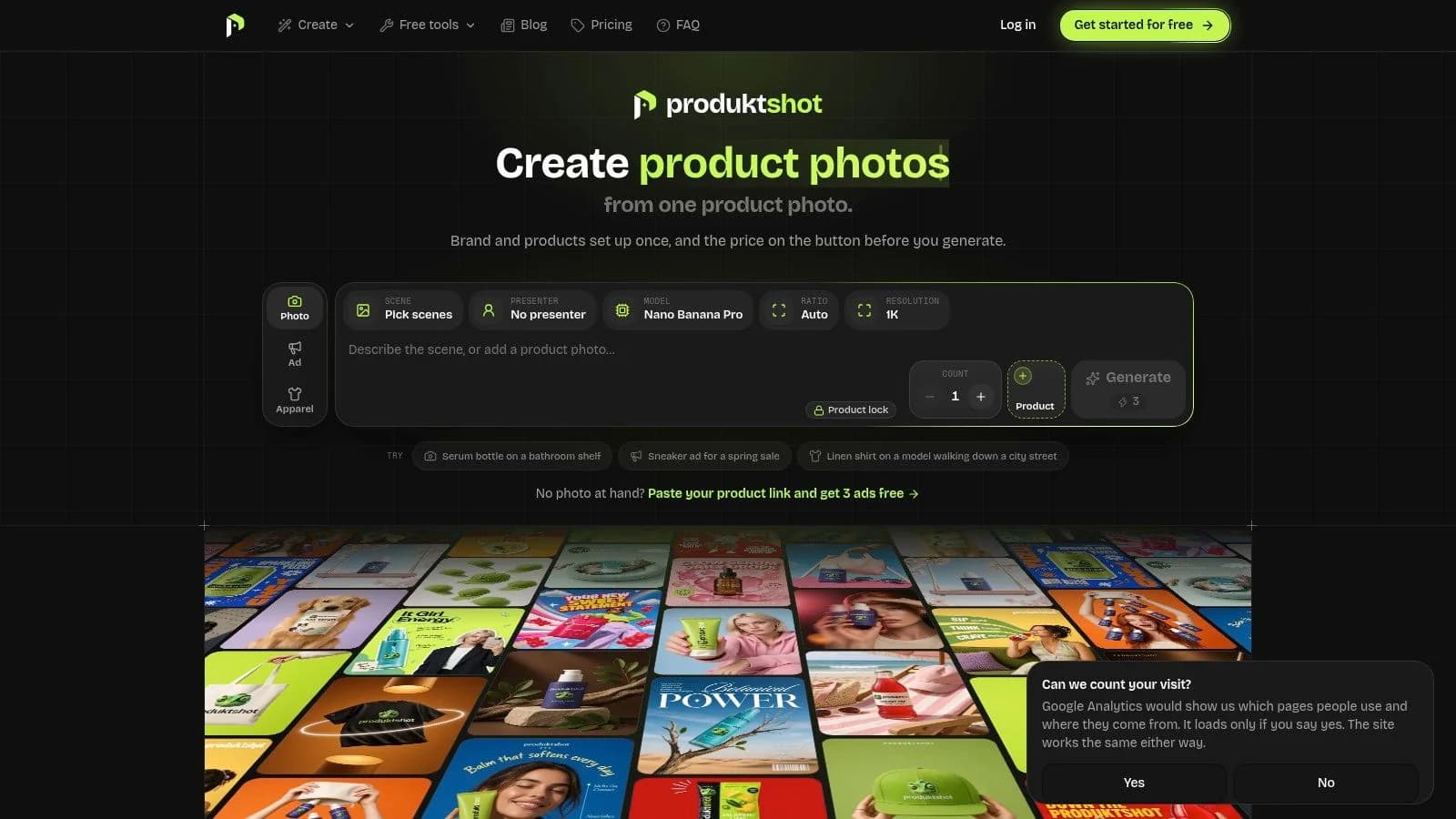
A template-driven workflow removes decisions that don't need making every time. Store the product source, define the canvas, background, safe area, file names and channel rules, then apply them consistently. The operator reviews the result instead of rebuilding the process for every SKU.
Centralise the rules
- A product library: the approved source photo and product details together.
- Saved brand settings: colours, fonts, background choices and conventions in one place.
- Marketplace presets: the canvas and export rules by destination.
- Batch work: related images from one repeatable template instead of one file at a time.
- Human quality control: product identity, shadows, labels, defects and crop safety checked before release.
ProduktShot is one option for this kind of workflow: it makes product images and marketplace-ready image sets from one product photo, with your products and brand settings kept in one place.
Automation doesn't remove responsibility for the source image. A poor photo still makes a poor listing, and generated scenes must be checked for changed labels, wrong product shapes or invented accessories. Name files with the SKU and the image's role (main, angle, detail, scale), so one image can be replaced without redoing the whole set.
Troubleshooting common image rejections
Sellers often blame the picture size when the file itself is the problem. A correctly sized image can still be rejected, fail to show or look wrong if its encoding, colour profile, metadata or dimensions are off.
Diagnose the file, not just the photo
The upload is rejected for size. Check both the dimensions and the file weight. A very large canvas or a very detailed export can pass the file-size limit. Resize and compress the delivery copy, and keep the larger master separately.
The image uploads but looks soft. Check the original first. If the source was blurry or heavily cropped, a larger canvas only enlarges the weakness. Replace or retake the source, then build the listing image from the cleaner file.
The colours look wrong. Convert to sRGB before export, and check the product's colours in a browser and on a phone, especially for coloured packaging, textiles and glossy surfaces.
A file behaves oddly in a batch. Re-export it through a standard image editor or converter. Broken metadata, unusual EXIF data or an odd encoder can cause problems you can't see in a preview.
Buyers are disappointed when they zoom. Check the longest side and the real detail, not only whether the upload went through. An image at the minimum can lack the detail needed for comfortable enlargement.
A successful upload is not the same as a successful product image. Check acceptance, appearance and crop separately. For repeated failures, compare a rejected file with a good one (extension, colour mode, dimensions, file size, metadata, compression) and put the fix into your shared export preset.
Quick reference and pre-publish checklist
| Check | Working rule |
|---|---|
| Longest side | At least 500 pixels; eBay recommends 1,600 pixels |
| Master canvas | A square master at 1,600 × 1,600 pixels or larger |
| File weight | Under 7 MB (eBay's help pages allow 12 MB, its export site 7 MB) |
| Format | JPEG for most photos, PNG when transparency or crisp graphics need it |
| Colour | Export in sRGB |
| Main image | Plain white background, no borders, watermarks or added text |
| Thumbnail safety | Product centred, important features away from the edges |
Run the six-point quality gate
- Confirm the master: square and at the recommended size.
- Check the delivery dimensions: a sensible square, not the full-resolution original, before the file enters a queue.
- Check the file weight: compress while keeping edges and fine detail.
- Review colour and background: sRGB output and a clean main image.
- Test the thumbnail: preview the first image on a narrow screen for cut-offs or too much empty space.
- Check the gallery order: the clearest complete view first, then angles, details, scale and condition.
For repeated resizing, the eBay image resizer fits into a controlled process, as long as the final files still pass your visual and technical checks. A final review before the listing goes to eBay prevents broken batches, inconsistent thumbnails and listings that go live but make the product look less credible.
Try it on your own product
Sign up and get 7 free credits, no card needed. The price of every job is on its button.
Questions
500 pixels on the longest side. eBay recommends 1,600 pixels so photos stay sharp when buyers zoom in.
eBay's help pages allow photos up to 12 MB, and its export seller site gives 7 MB per upload. Keeping files under 7 MB is safe everywhere.
It isn't required, but a square master is the most practical start: it fits eBay's grid predictably and the same file works for other marketplaces with little re-cropping.
About this article
ProduktShot Team
The people who build ProduktShot
We build ProduktShot, an AI product photo studio for online shops, and we write about what we learn doing it: what makes a product photo look real, what marketplaces ask for, and where AI images still go wrong. We run the tools we write about on our own demo products every week.
Facts checked 25 September 2026 against the sources listed under the post.
How we writeSources
The facts on this page were checked on 25 September 2026 on the pages below.